
Maya: three landing page designs.
In all three, Maya waves hello when the page opens, then turns her head to follow your mouse, or your finger on a phone. The words and facts are the same. What changes is how the page is built. Design A is now the live Maya site.
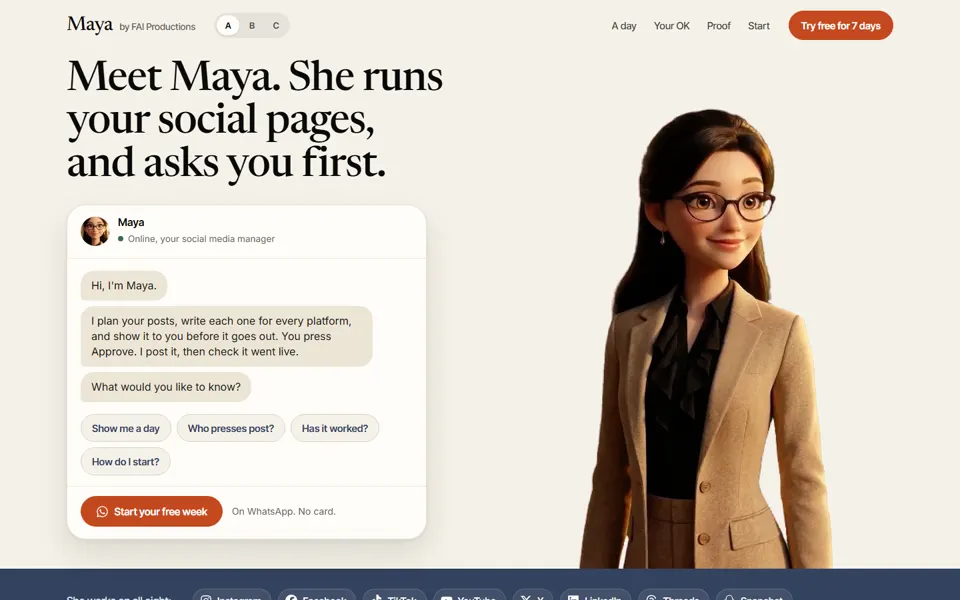
A. Chat with Maya
The page is a conversation. Maya greets you in a chat; tap a question and each section is her answer.
Open demo A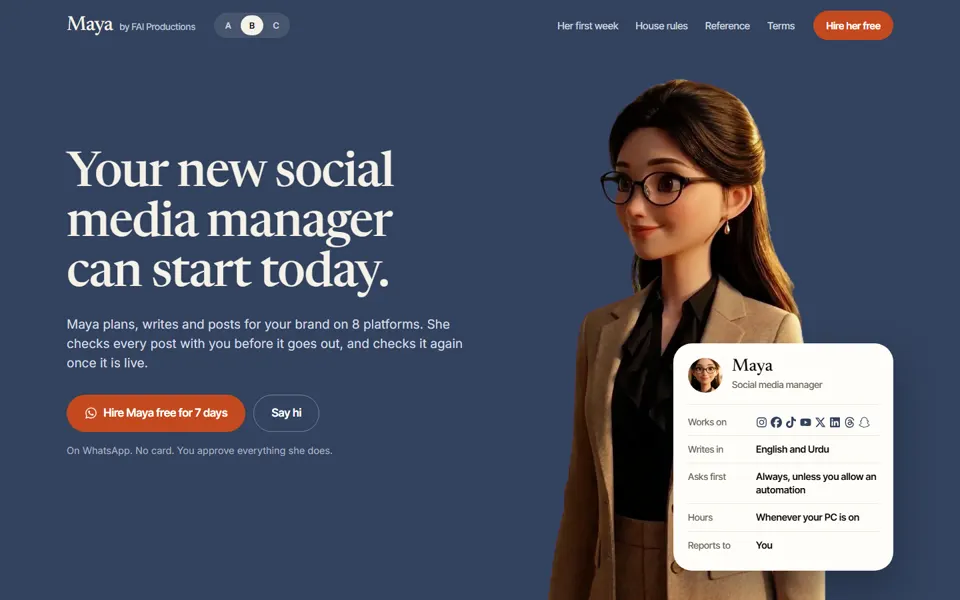
B. Meet your new hire
Maya introduced like a new team member: a staff card, her first week, house rules, a reference and terms.
Open demo B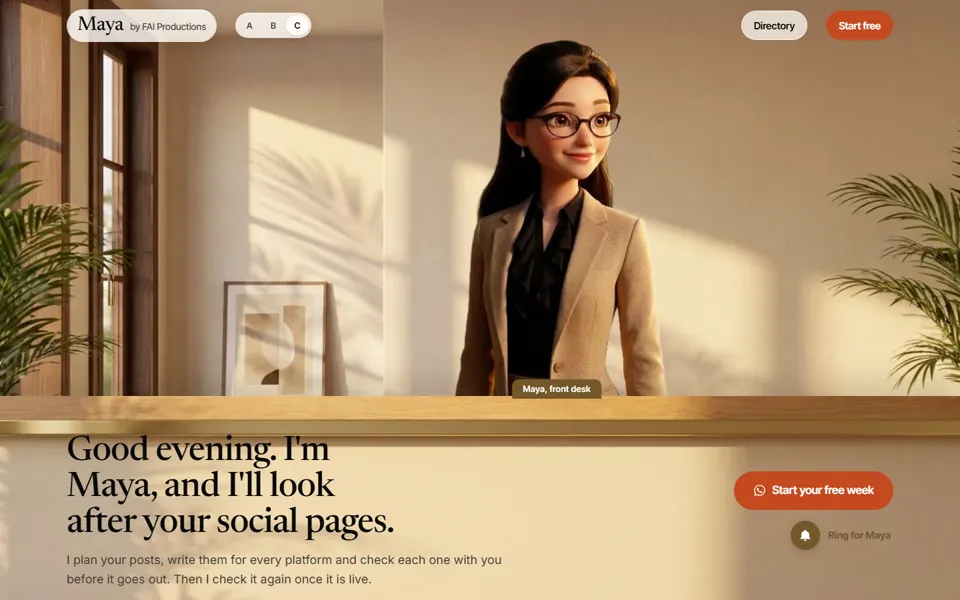
C. The front desk
You walk into a sunlit office. Maya greets you by your own clock from her desk, and a directory leads to every room.
Open demo CTry these on each one
Move your mouse left and right across the page. Press Approve, Edit or Skip on the example post. In A, tap the questions in the chat. In B, press Say hi. In C, ring the bell.